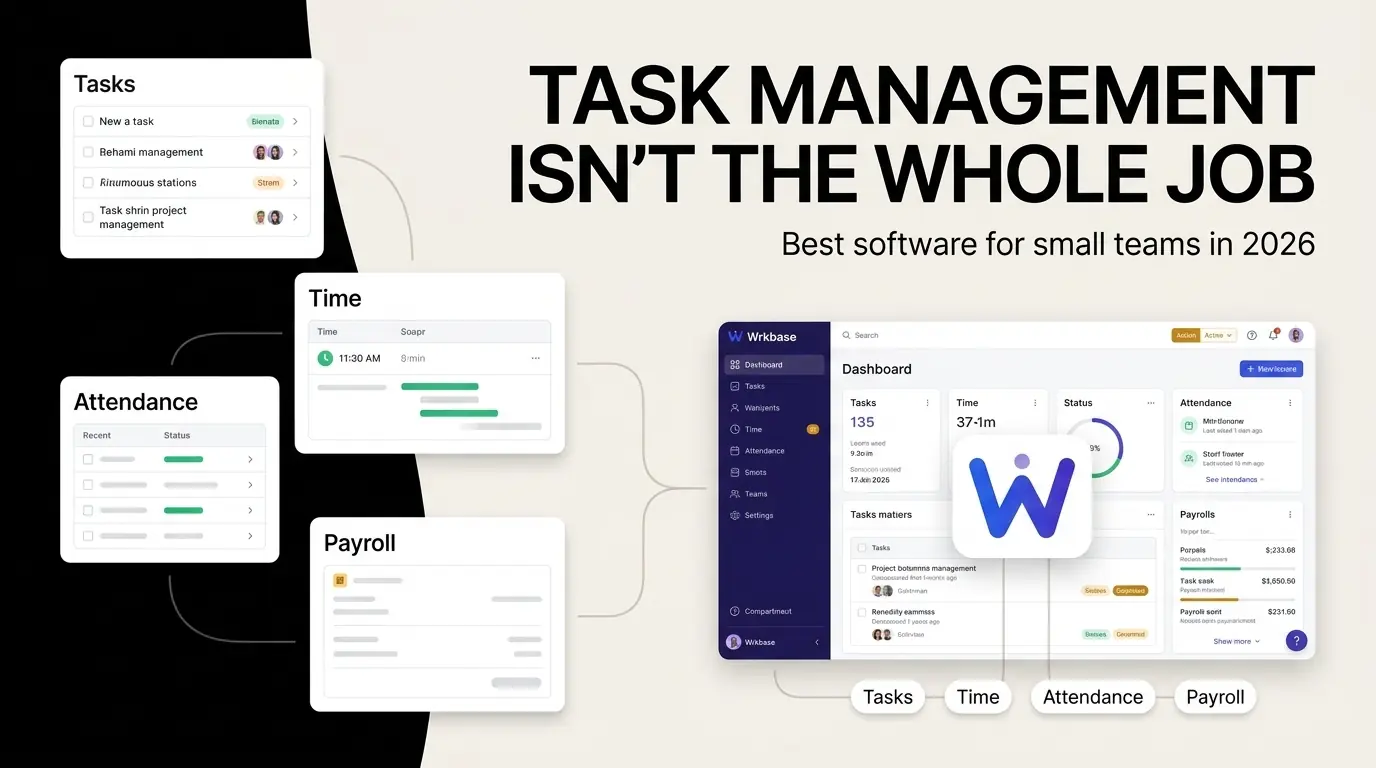
Every tool on this list can move a task from "To do" to "Done." That part is solved everywhere. The differences that matter show up once a task needs a timesheet attached to it, a permission check nobody in the room can quietly override, or an AI agent that can act on it instead of just describing what it might do.
Modules bundled into the one seat price
Wrkbase
Wrkbase's task board is included on every plan, including the free tier for up to 5 people, and time tracking is a side effect of using it: move a task to "In progress" and its timer starts automatically, no separate timesheet app to reconcile against later. Tasks connect directly to the rest of the workspace, attendance, payroll, performance scoring, instead of sitting in an isolated project-management silo the way a pure task tool does.
The AI agent, included on Team at $8 per member per month with 500 actions included monthly, can create, edit, and reassign tasks by request, but only after you review and confirm the exact plan, and every attempt is re-checked against your role server-side at execution, not just when the plan was drafted.
What it doesn't have: deep configurable views, custom fields, dependencies, or docs at the level a dedicated project-management tool offers. If that's the actual priority, ClickUp below is the stronger fit specifically for that.
ClickUp
ClickUp is strong, deep project management: custom views, dependencies, docs, and extensive configurability. Time tracking is gated behind a paid tier, Unlimited ($7/user/month annual) for basic tracking, Business ($12/user/month) for billable time, and its AI, ClickUp Brain, is a separate add-on at $9/user/month ($7.20 billed annually) stacked on top of a paid plan, per ClickUp's own pricing page. There's no attendance tracking and no payroll module at any tier, it's task and project management, not workforce management.
Asana
Asana's free Personal plan covers up to 2 users. Paid tiers start at Starter, $10.99/user/month billed annually ($13.49 billed monthly), adding timeline/Gantt views and reporting dashboards; Advanced, $24.99/user/month annually, adds portfolios and goals. Time tracking is a built-in feature on Advanced and up, or a $5.99/user/month timesheets-and-budgets add-on on Starter, built for project billing, not payroll. There's no attendance tracking or payroll processing at any tier.
monday.com
monday.com's free tier covers up to 2 seats. Paid tiers run Basic at $9/seat/month, Standard at $12/seat/month, and Pro at $19/seat/month, all billed annually, each adding more automation and workflow depth. Pro adds a basic time-tracking column for logging hours against a task, but there's no attendance system and no payroll feature at any tier, it's work management, not workforce management.
Zoho Projects
Zoho Projects' free plan covers up to 5 users. Paid tiers are Premium ($4/user/month annual, $5 monthly), Enterprise ($9/user/month annual, $10 monthly), and Ultimate ($14/user/month); Premium and up include time logs and timesheets, with multi-level approvals added on Enterprise. Attendance and payroll aren't part of Zoho Projects itself, they're separate Zoho products (Zoho People, Zoho Payroll) that would need their own subscription and integration.
Picking between these
If deep, configurable project management is the actual priority and attendance or payroll can live somewhere else, ClickUp is the strongest tool on this list at that specific job. If you'd rather have tasks, time tracking, attendance, and payroll already agree with each other, without exporting anything between systems, that's the problem Wrkbase is built to solve, free for teams up to 5, no card required. Every price above is what each vendor listed publicly as of August 2026, worth a quick check against their current page before you commit to one.
Is Free free, or is it a trial?
On Wrkbase, Free is free forever for teams up to 5, no credit card and no trial clock counting down. Team and Enterprise are month-to-month, not an annual lock-in, and carry a 14-day money-back guarantee if either turns out not to fit once you're using it.
Free for up to 5 people
What is Wrkbase?
Employee management software for small teams: tasks, time tracking, attendance, leave, payroll and HR in one place.
Start freeFree PTO accrual calculator
See the paid time off someone earns each pay period and their balance today. No sign-up.
Summarize this post with AI

Written by Sakib Islam, founder of Wrkbase
Notes on how the product is actually built.
Next up
5 clock-in/clock-out apps for small business