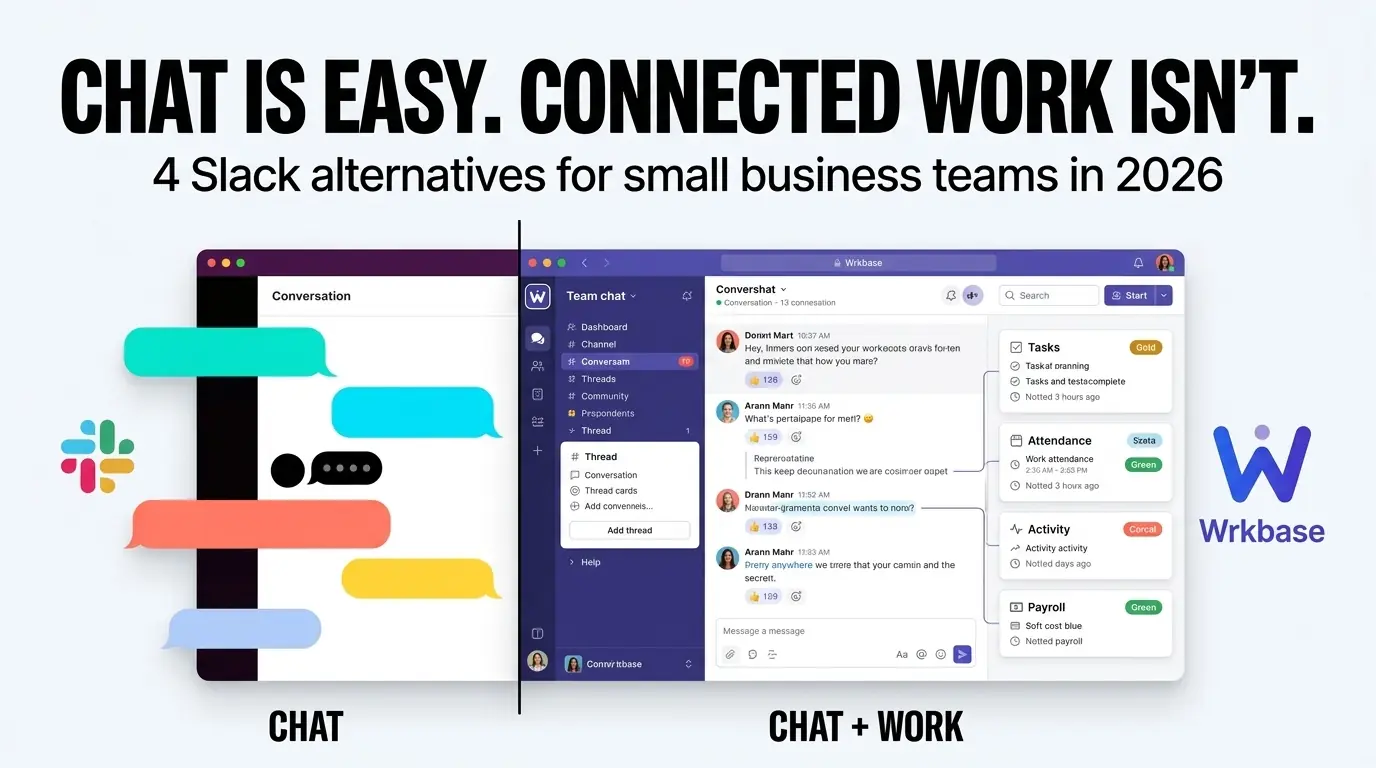
Every tool on this list can carry a company-wide conversation reliably, that part is solved everywhere. The real question is whether you want that conversation living next to the work it's about, or in a separate app you switch to and back from all day.
Extra subscription needed just to get team chat
Wrkbase
Wrkbase isn't a dedicated messaging product, chat is one module inside a system that also runs tasks, attendance, and payroll. A company-wide Team room carries real discussion, a separate automated Activity feed absorbs status posts (sign-ins, task moves) so they never crowd out people talking, and direct or group threads exist for anything that isn't for everyone. AI-grounded search answers a plain-language question about what was said instead of returning a keyword-matched list, and it's scoped by the same channel permissions as the chat itself, checked server-side.
What it doesn't have: voice or video calling, and no third-party app marketplace or integrations ecosystem. It's included on every plan, including free for up to 5 people, with no separate messaging subscription to manage. If a dedicated communication platform with calling and a large integration catalog is the actual requirement, Microsoft Teams below is built for exactly that.
Microsoft Teams
Microsoft Teams has a free plan (5GB storage, group calls up to 60 minutes with 100 participants) and paid tiers starting at Teams Essentials ($4/user/month annual, chat and video conferencing only, no Office apps bundled), Business Basic ($7/user/month), Business Standard ($14/user/month), and Business Premium ($22/user/month), all billed annually. Teams Phone (calling) and Microsoft 365 Copilot stack on top as separate add-ons starting around $10 and $30/user/month respectively.
It's the strongest option here for voice/video calling and deep Microsoft 365 integration. There's no task board, attendance tracking, or payroll anywhere in it, that's a different product category, and the full feature set assumes you're already in, or willing to move into, the Microsoft ecosystem.
Chanty
Chanty's free plan covers teams up to 10 members. The paid Business plan is $3/user/month billed annually ($4 monthly) and unlocks unlimited members, group calls with 3+ participants, screen-sharing, and unlimited integrations. It's a straightforward, inexpensive dedicated chat tool, but it's chat only, no tasks, attendance, or payroll module of any kind.
Rocket.Chat
Rocket.Chat's community edition is free and open source for self-hosting, and a free self-managed Starter workspace is also available to try. Its paid Commercial, Government, and Defense tiers no longer list self-serve per-user pricing at all, as of September 2026 the pricing page only offers a sales quote for each. The open-source, self-hostable option is a real differentiator if data residency or on-prem hosting matters, but it comes with the operational overhead of running your own instance, and it's a communications product with no workforce-management features attached.
Twist
Twist's free plan is free forever, not a trial, for up to 500 members, with 5 integrations and unlimited guests, though message history is capped at 1 month. The paid Unlimited plan is $5/user/month billed annually ($6 monthly) and removes the history cap and adds unlimited file storage and integrations. Twist is built around threaded, asynchronous discussion specifically to reduce real-time interruption, a deliberately different philosophy than a live chat room, worth considering if constant notifications are the actual problem you're trying to solve.
Picking between these
If calling and deep Microsoft 365 integration are the actual requirement, Microsoft Teams is the strongest fit here. If you specifically need to self-host for data-residency reasons, Rocket.Chat is the one option that offers it. If you'd rather not add a fourth or fifth subscription just to talk to your own team, and want that conversation sitting next to the tasks, attendance, and payroll it's about, that's what Wrkbase is built for, free for teams up to 5. Every number above is what each vendor had posted in August 2026; check their live pricing page before you sign anything.
Does Wrkbase chat do voice or video calls?
No, Wrkbase's chat is text-based, built around keeping conversation next to the tasks and records it's about, with AI-grounded search over your own channel history. It's not trying to replace Teams or Zoom for calling. A team that needs calling built in is better served by Microsoft Teams; a team that's adding chat mainly to talk about work that's already tracked elsewhere is the one this solves for.
Free for up to 5 people
What is Wrkbase?
Employee management software for small teams: tasks, time tracking, attendance, leave, payroll and HR in one place.
Start freeFree PTO accrual calculator
See the paid time off someone earns each pay period and their balance today. No sign-up.
Summarize this post with AI

Written by Sakib Islam, founder of Wrkbase
Notes on how the product is actually built.
Next up
Time tracking software for remote teams