Short answer: to track payroll for a small team, keep one record per employee with their salary and currency, run payroll once per pay period as a batch that is drafted, approved, and then marked paid, record bonuses and deductions as separate lines instead of editing the salary, give everyone a payslip, and check attendance and leave before approving. You can do that in a spreadsheet, a full-service payroll provider, or payroll tracking software; which one fits depends on whether you need taxes filed for you. If hours drive pay on your team, timesheet to payroll software explains how they get there.
This guide is written for owners and office managers running payroll for roughly 5 to 50 people, usually salaried, often without a dedicated HR or finance hire. Full disclosure: we build Wrkbase, which is one of the options below, and we say plainly where it is and isn’t the right fit.
Payroll tracking vs. payroll processing
Payroll tracking is the record: who is paid what, for which period, with which adjustments, who approved it, and whether it has been paid. Payroll processing goes further and also calculates taxes and withholdings, files them, and moves the money by direct deposit.
Every business that pays people needs the tracking. Whether you also need processing from the same tool depends on your setup: if an accountant or a payroll provider already handles taxes and payments, what is usually missing is a clean, approved record of each pay period. That record is what this guide is about.
What to record for every employee
Salary amount and currency. Keep one current amount per person, and keep the history of changes rather than overwriting it, with the date and the old and new values. When someone asks why their pay went up in March, the answer should be one click away.
Role, department, and manager. They decide who approves what and which pay run a person belongs to, and they explain differences between people doing similar jobs.
Attendance and leave. Even on a salary, late days, absences, and approved or unpaid leave are the facts most likely to be questioned at month end, so they belong next to the pay record rather than in a different app.
What to record for every pay period
The period itself, such as September 1 to September 30, and exactly one pay run for it, so a period can never be paid twice by accident.
One line per person, starting from their salary, with bonus, commission, and deductions as separate amounts and a note explaining any change. Keeping the base salary untouched and the adjustments visible beside it is what makes the record auditable later.
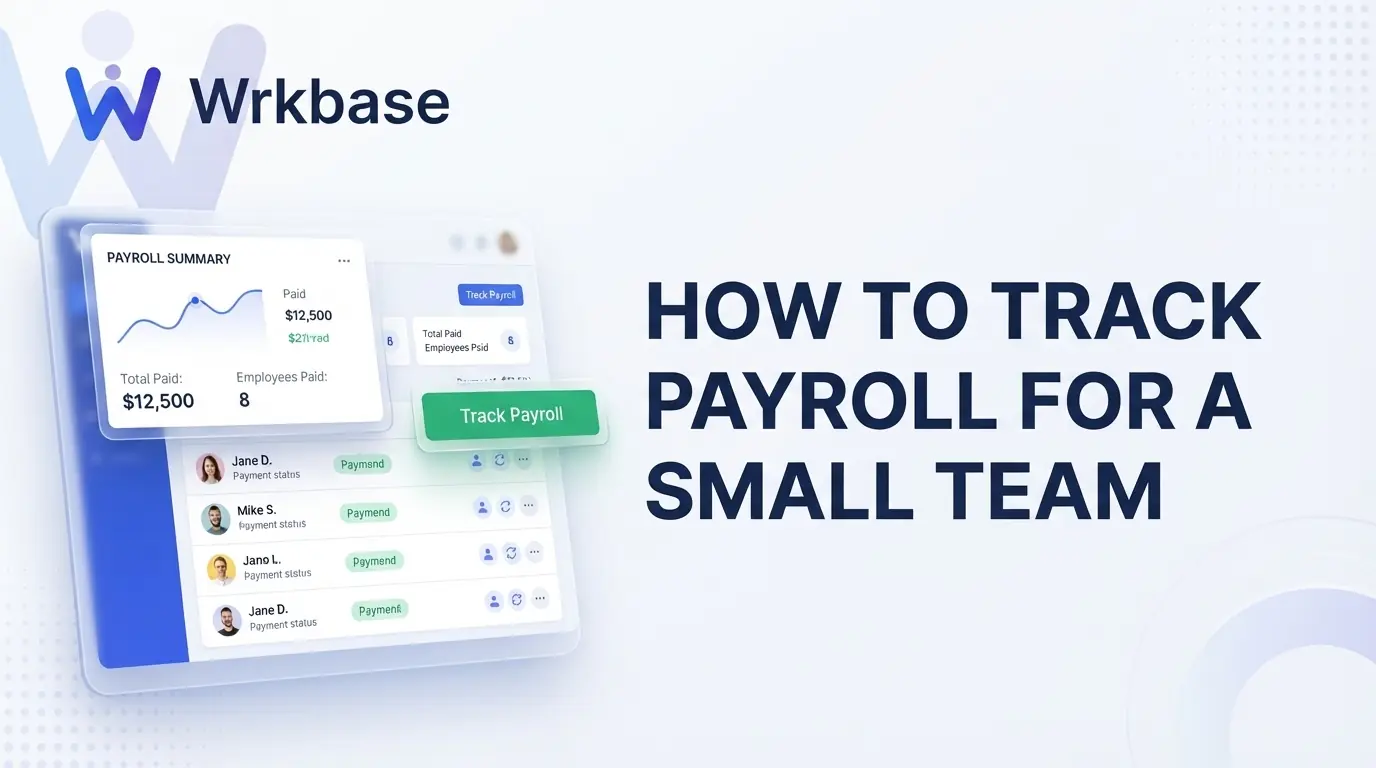
The status of the run: draft while you are still adjusting it, approved once someone with authority has signed it off, and paid once the money has gone out. Recording who approved it and when turns a spreadsheet of numbers into a record you can defend.
A payslip for every person, showing base pay, each adjustment, the amount due, and the amount paid.
A monthly payroll routine that catches mistakes
1. Update salaries first. Apply any raises or role changes before the run, so the run starts from the right base and the change lands in the employee’s history.
2. Generate the run for the period. Create one line for everyone with a salary set, and check the list against who worked this period: new starters, leavers, and anyone suspended.
3. Review attendance and leave. Look at lateness, absences, and unpaid leave for the period. On a salary this rarely changes the amount, but it is where questions and disputes come from, so settle them before approval.
4. Add adjustments as separate lines. Bonuses, commission, and deductions go on their own lines with a note, never as edits to the base salary.
5. Approve it. One person with authority approves the whole run, which locks the numbers. Corrections after approval go on a separate payment record, not an edit to an approved run.
6. Pay through your normal method. Bank transfer, your accountant, or a payroll processor. Payroll tracking does not replace this step.
7. Mark it paid and share payslips. Record the payment, then make each payslip available to the person it belongs to.
Option 1: a spreadsheet
A spreadsheet is free and flexible, and for two or three salaried people who rarely change, it can be enough. The problems arrive with growth: values get overwritten instead of recorded as changes, there is no real approval step, several versions of the file circulate, and attendance and leave live somewhere else entirely. It also has no audit trail, so nobody can say who changed a number or when.
Option 2: a full-service payroll provider
Services like Gusto and QuickBooks Payroll calculate pay, file taxes, and pay people by direct deposit. As listed in September 2026, Gusto starts at $49/month plus $6/person on its Simple plan, and time tracking starts on its Plus plan at $80/month plus $12/person. This is the right choice when you need taxes filed and hourly pay calculated for you. What it usually doesn’t cover is the rest of running the team: tasks, attendance, leave approvals, HR documents, and onboarding live in other tools.
Option 3: payroll tracking software
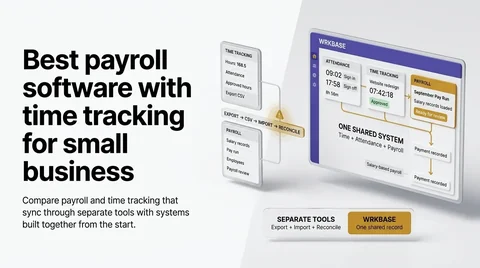
Payroll tracking software keeps the employee record, pay runs, approvals, adjustments, and payslips in one place, and leaves payment and tax filing to your bank, accountant, or processor. Wrkbase is this kind of tool, built into a wider workspace: salary pay runs move from Draft to Approved to Paid, bonuses, commission, and deductions are separate lines, each employee gets a payslip PDF and a notification when their pay is approved and paid, and every change is written to an audit log.
Because attendance, leave, task time tracking, and HR live in the same workspace, the review step in the routine above happens on the same employee record instead of across three apps. Payroll is on the Team plan at $8 per member per month. What it doesn’t do: apply overtime rules, file taxes, or pay people. If those are the job, a full-service provider is the better fit, and Wrkbase can sit alongside it as the team’s workspace.
How often to run payroll
The common schedules are weekly (52 pay periods a year), biweekly, meaning every other week (26), semimonthly, meaning twice a month on fixed dates (24), and monthly (12). Salaried small teams often run monthly or semimonthly; many US employers run biweekly. Most US states set a minimum pay frequency, so check your state’s rules before choosing.
Whatever you pick, keep it the same every period and run exactly one pay run per period. In Wrkbase a pay run is created for the exact period you choose, and a second run for the same period is refused, so the same days can’t be paid twice.
How long to keep payroll records
In the US, the Fair Labor Standards Act requires employers to keep payroll records for at least three years, and the records wage calculations are based on, such as timecards, wage-rate tables, work schedules, and additions to or deductions from wages, for two years, per the Department of Labor’s recordkeeping fact sheet. Tax and state rules can require longer, so confirm with your accountant.
That is another reason to keep pay runs, adjustments, approvals, and payslips in one system rather than in monthly spreadsheet copies: the history is in one place when someone asks for it. In Wrkbase each employee’s payment history and payslips stay in the workspace, and every payroll change is in the audit log.
Common payroll tracking mistakes
Paying before approval. If money goes out before someone signs the run off, errors are found after the fact, when they are hardest to fix.
Editing the salary to add a bonus. It makes the next pay run wrong and erases the reason for the change. Keep adjustments separate.
Skipping the attendance and leave check. It is the most common source of month-end disputes, even for salaried teams.
No payslips. People should be able to see what they were paid and why without asking.
No history. When salary changes overwrite the old value, nobody can answer when or why someone’s pay changed.
What is the difference between payroll tracking and payroll processing?
Payroll tracking is recording and approving what each person is owed and paid. Payroll processing also calculates taxes, files them, and moves the money. A payroll service like Gusto does processing; payroll tracking software like Wrkbase keeps the record and the approvals, and you pay through your bank or a processor.
Is a spreadsheet enough to track payroll?
For two or three salaried people who never change, often yes. It breaks down when adjustments, approvals, and history matter: a spreadsheet overwrites values, has no approval step, and relies on someone remembering to check attendance and leave before paying.
Can Wrkbase pay employees or file payroll taxes?
No. Wrkbase tracks payroll: pay runs, approvals, bonuses and deductions, and payslips. Payment and tax filing go through your bank, accountant, or a payroll processor, and the run is marked paid in Wrkbase once that's done.
Free for up to 5 people
What is Wrkbase?
Employee management software for small teams: tasks, time tracking, attendance, leave, payroll and HR in one place.
Start freeFree PTO accrual calculator
See the paid time off someone earns each pay period and their balance today. No sign-up.
Summarize this post with AI

Written by Sakib Islam, founder of Wrkbase
Notes on how the product is actually built.
Next up
Best task management software for small teams