"AI tool for team management" gets used for three different things. One is a chatbot that answers questions about your data. One is a drafting assist that writes a first pass of something a person still finishes. And one reads, plans against, and changes real records. Vendors rarely say which one they mean. The difference matters a lot more than whether a product has an AI feature at all.
Vibe: meeting intelligence, not team management
Vibe is built around meeting transcription and summarization: automatic notes, action items pulled from what was said, and on paid tiers, creating or updating records in Jira, Linear, Asana, or HubSpot from meeting context. Pro runs $9/seat/month billed annually (1,200 transcription minutes, 100 AI credits), Max is $29/seat/month (unlimited transcription, 400 credits), per Vibe's pricing page as of September 2026. It's a strong tool at what it does, meetings, but it isn't a team-management platform itself, its "AI" writes tasks into other systems rather than managing the team data directly.
Teamwork.com: several named AI agents, different depths
Teamwork.com ships multiple named AI features across its tiers, per Teamwork's own pricing page as of September 2026. Basics ($9.99/user/month annual) has AI summaries and a project/task setup wizard. Accelerate ($24.99/user/month annual) adds an "Ask AI" chatbot and a planning agent called Remi. The custom-priced Optimize tier adds a profitability-forecasting agent. Usage-based credits for these were set to launch that same month. Worth reading past the names: some of these draft and suggest, others plan resourcing, the tier you're on determines which kind of "AI" you're getting, not just how much of it.
Slack: AI on top of messages, not on top of tasks
Slack's AI features summarize channels and threads and can answer questions about what's already been discussed, which is useful for catching up. But it operates on conversation history, not on a task board, a pay run, or attendance data. It's a different category from an agent that can act on team-management records, closer to Vibe's meeting-summary space than to something that changes what a task's status or assignee is.
Wrkbase: three tiers, honestly labeled
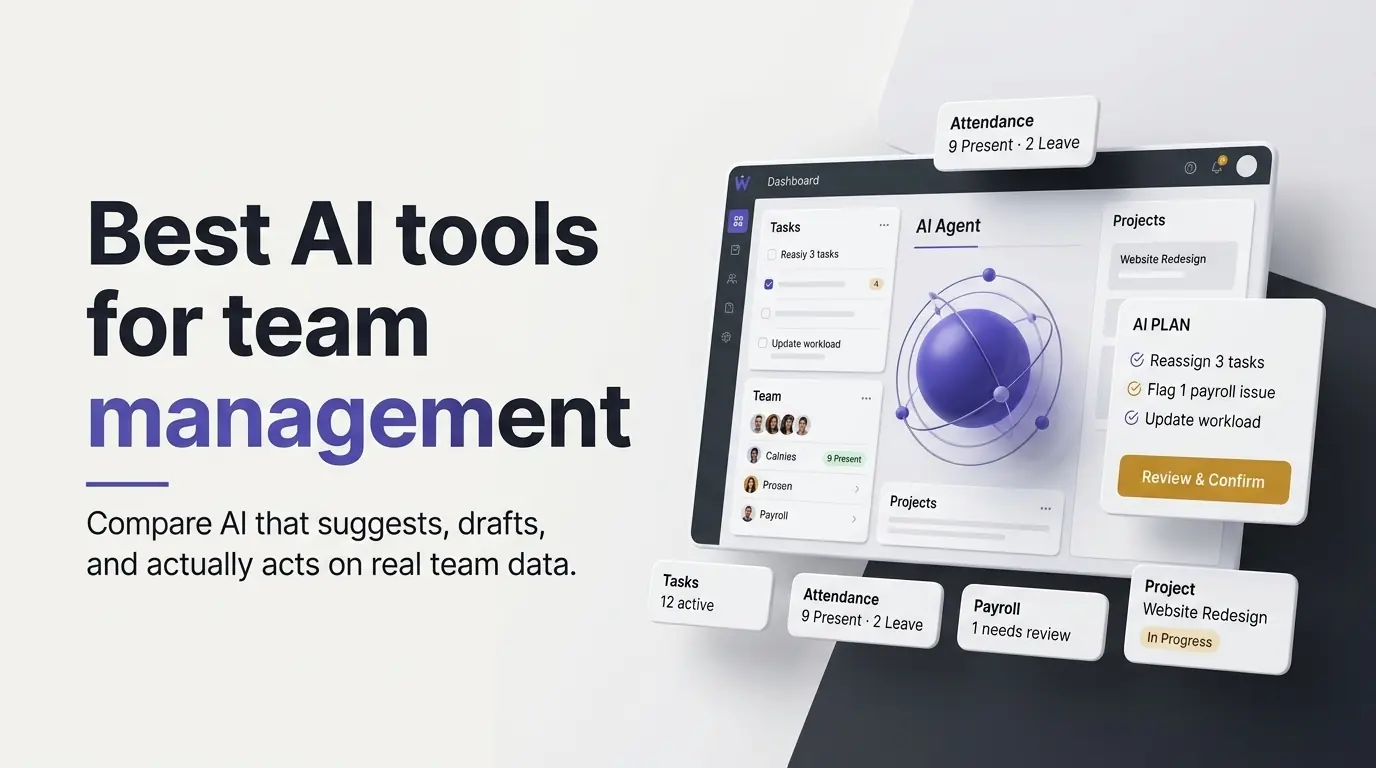
Wrkbase's AI agent is deliberately explicit about which of the three things it's doing at any point. There is a drafting assist that never calls the model for real actions, a read-only support Q&A, and the actual agent, the only one of the three that changes data. The agent is included on the Team plan at $8/member/month with 500 actions monthly (unlimited on Enterprise, not included on Free). It can draft a plan spanning tasks, payroll, and attendance in one pass, because it reads and writes the same underlying records a person would by hand. But it only ever executes after you review the exact plan and confirm it. Every action is re-checked against your real permissions the moment it runs, not just when it was drafted.
Picking between these
If the actual need is meeting notes and turning conversations into tasks in a tool you already use, Vibe is built specifically for that. If deep, named AI agents for planning and forecasting inside a larger project-management platform is the goal, Teamwork.com has the most range here, gated by tier. If what's wanted is an agent that can read and act on your real team data itself, tasks, payroll, attendance, with your approval required before anything happens, that's specifically what Wrkbase is built for. Prices above are as each vendor listed them publicly in September 2026, worth confirming on their own pages before deciding.
Is an AI feature that only drafts suggestions less useful?
Not necessarily, it depends what's being automated. A drafting assist for a message or a summary is useful without needing execution permissions attached to it, most AI-in-productivity-tools features are this, reasonably. The distinction matters more once the claim is that AI can "manage" something, reassign work, update a record, approve a run. That's the point where whether it executes, and under what checks, stops being a detail and becomes the entire question.
How do I tell which kind of "AI" a tool has before buying it?
Ask one direct question: can this AI feature change a real record in the system, a task, an assignment, a payment, without a human clicking confirm on the specific action first? If the answer is no, it's a drafting or summarization tool, useful, but a different category from an agent. If the answer is yes, ask what re-checks your permissions at the moment it executes, not just when a plan was proposed, that's the detail most vendor pages don't volunteer.
Questions this post answers
Is an AI feature that only drafts suggestions less useful?
Not necessarily, it depends what's being automated. A drafting assist for a message or a summary is useful without needing execution permissions attached to it, most AI-in-productivity-tools features are this, reasonably. The distinction matters more once the claim is that AI can "manage" something, reassign work, update a record, approve a run, because that's the point where whether it executes, and under what checks, stops being a detail and becomes the entire question.
How do I tell which kind of "AI" a tool has before buying it?
Ask one direct question: can this AI feature change a real record in the system, a task, an assignment, a payment, without a human clicking confirm on the specific action first? If the answer is no, it's a drafting or summarization tool, useful, but a different category from an agent. If the answer is yes, ask what re-checks your permissions at the moment it executes, not just when a plan was proposed, that's the detail most vendor pages don't volunteer.
Employee management software for small teams: tasks, time tracking, attendance, leave, payroll and HR in one place.
Start freeSee the paid time off someone earns each pay period and their balance today. No sign-up.
Open the calculator