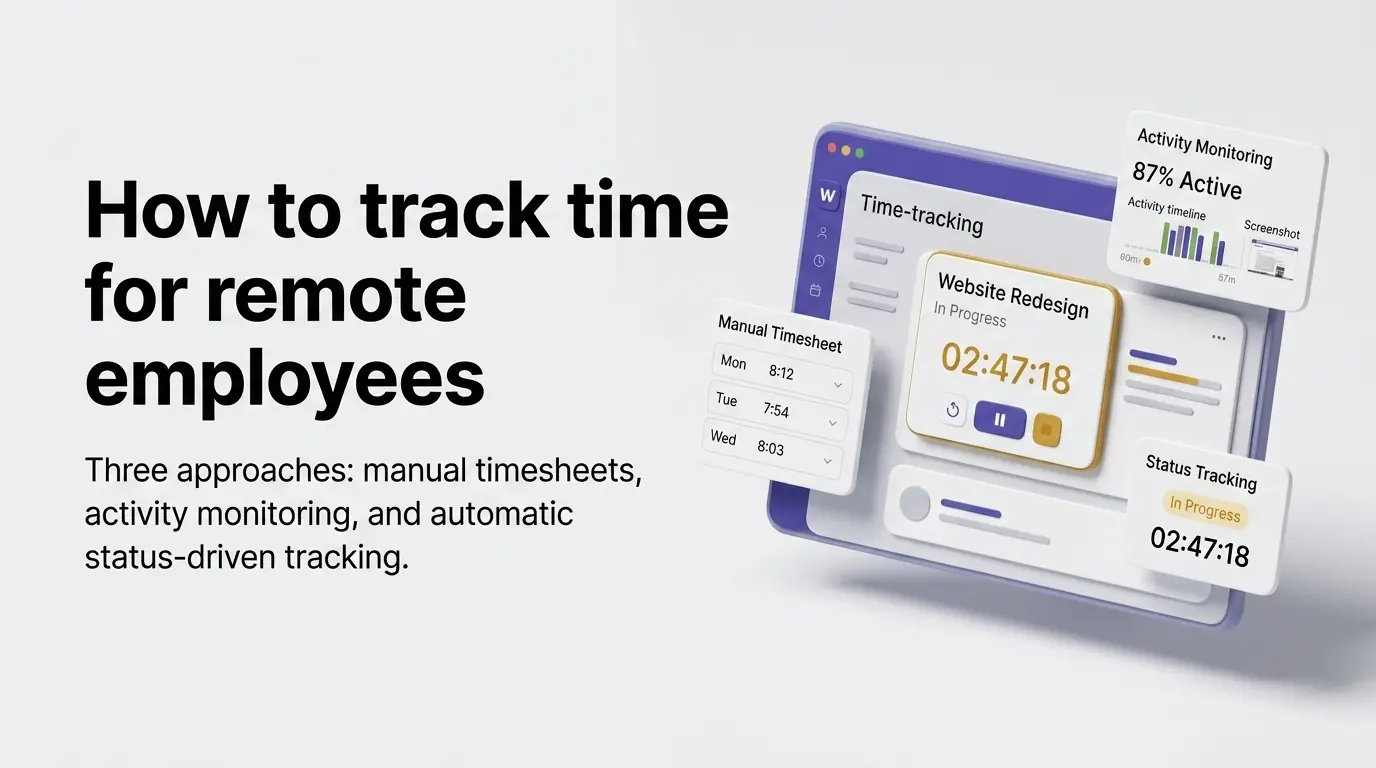
Short answer: the least intrusive way is to make time tracking a side effect of work people already record. The timer starts when a task moves to In progress and stops when it leaves, as Wrkbase does. Manual timesheets rely on memory; screenshot and activity monitoring trade trust for detail. There are really three ways to track time for a remote employee, not one, and most advice online only names two of them. Understanding the actual trade-offs between manual timesheets, activity-based monitoring, and status-driven automatic tracking matters more than picking whichever tool ranks first, because each one is solving for something different.
Option 1: Manual timesheets
The simplest option: someone logs their own hours, daily or weekly, in a spreadsheet or a basic timesheet tool. It requires no software investment and no monitoring of any kind, which some teams prefer on trust and simplicity grounds. The real cost is accuracy and effort. Hours get estimated after the fact rather than recorded as they happen, entries get forgotten or batched at the end of a week, and there's no way to verify a number beyond asking.
Option 2: Activity and screenshot monitoring
Tools like Hubstaff track time via periodic screenshots and an activity percentage derived from mouse/keyboard input, sometimes with app and URL tracking on top. This solves the verification problem manual timesheets have: there's a record beyond someone's word. But it comes with a real cost. It requires disclosure and often consent depending on jurisdiction, and it can register focused, low-input work like reading or a client call as "idle." It also reads as surveillance to employees who resent screen-level monitoring even when it's disclosed.
Option 3: Let the timer be a byproduct of work already happening
The third option, and the one most "how to track time" advice skips: tie the timer to something the person was already doing, not a separate action. Wrkbase's approach is a task moving to "In Progress" starting the clock, and moving off it, for any reason, stopping it, no separate start/stop button, no screenshots, no activity percentage. It solves manual timesheets' accuracy problem, the timestamp is a real event, not a memory, without activity monitoring's surveillance trade-off, because nothing beyond the status change itself is ever recorded.
Which one should you pick
If the team is small, high-trust, and time tracking is mostly for the employee's own reference, manual timesheets are a legitimate, low-cost choice. If activity-level proof of work is a real requirement, hourly contractors, client-billed work needing verification, activity monitoring is the honest tool for that job, not a workaround. If the goal is accurate hours without either the effort of manual logging or the surveillance trade-off of screenshots, status-driven tracking is built for that middle ground. It's free to try with a real team up to 5 people, no card required.
Do I need my remote employees’ consent to track their time?
This varies by jurisdiction and by which of the three options above is in use, manual and status-driven tracking record far less than activity monitoring does, which changes what disclosure is required. This isn't legal advice, check your own jurisdiction's employment and privacy rules before rolling out any time-tracking method, especially one involving screenshots or activity percentages.
Questions this post answers
Do I need my remote employees’ consent to track their time?
This varies by jurisdiction and by which of the three options above is in use, manual and status-driven tracking record far less than activity monitoring does, which changes what disclosure is required. This isn't legal advice, check your own jurisdiction's employment and privacy rules before rolling out any time-tracking method, especially one involving screenshots or activity percentages.
Employee management software for small teams: tasks, time tracking, attendance, leave, payroll and HR in one place.
Start freeSee the paid time off someone earns each pay period and their balance today. No sign-up.
Open the calculator