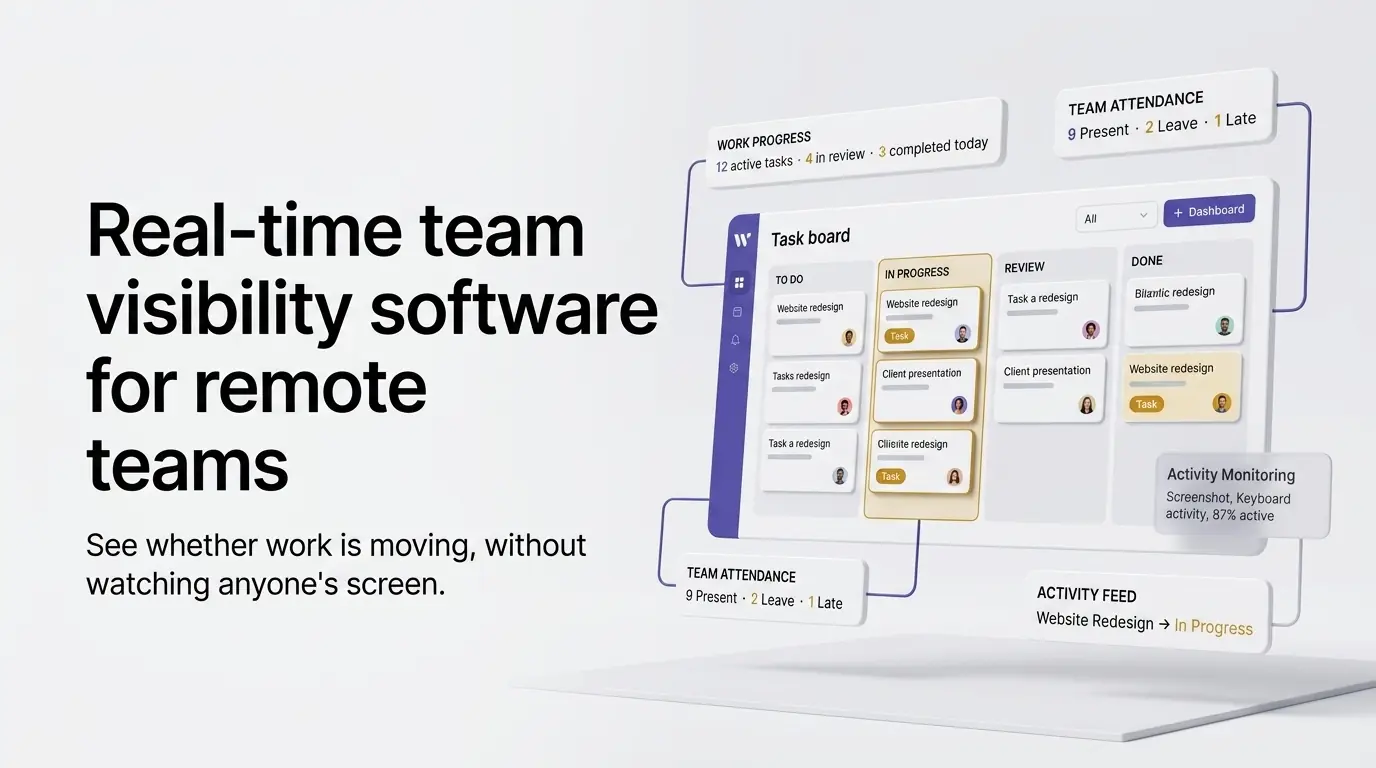
Short answer: real-time visibility for a remote team means seeing the state of the work, not watching screens. In Wrkbase that's who has signed in, which tasks are in progress with live timers, and every status change posted to a shared Activity feed, without screenshots or keystroke tracking. "Real-time team visibility" gets sold two different ways, and they answer two different questions. One kind watches activity: mouse movement, keystrokes, periodic screenshots, a proxy for busyness. The other builds a virtual space where presence is social, an avatar in a shared office, walk over and say hi. Neither one answers what most managers asking this question want to know: is the work moving, not whether someone looks occupied or is logged into a room.
Two different questions get conflated
"Is this person online" and "is this person's work progressing" are not the same question, but most visibility tools only answer the first one. Someone can have an active green dot for eight hours with a task sitting untouched in "In progress." A monitoring tool built around activity signals will read that as productive because there was mouse movement, not because anything shipped.
Hubstaff: screenshots and activity levels
Hubstaff is built around optical activity measurement: periodic screenshots, an activity percentage derived from mouse and keyboard input, and app/URL tracking, on top of time tracking and GPS for field teams. Pricing runs Starter at $4.99/seat/month, Grow at $7.50, Team at $10, and Enterprise at $25, all on annual billing, per Hubstaff's own pricing page as of September 2026. Monthly billing runs higher: the Team plan is $12/user/month paid monthly. That's a real, legitimate answer if activity-level monitoring is the requirement, particularly for hourly or contractor-heavy teams where proof of active work time matters. It's also exactly the kind of tool a team that specifically doesn't want screen-level monitoring should avoid, Wrkbase records none of that: no screenshots, no keystroke logs, no activity percentage.
SoWork: presence through a virtual office
SoWork takes the opposite approach: a virtual office where avatars represent teammates in shared spaces, with desk assignment, status indicators, and the ability to "walk over" to someone instead of scheduling a call. Pricing is Free for up to 10 members, Basic at $5.40/member/month, Premium at $12/member/month (adds AI meeting summaries and team analytics), and custom Enterprise pricing, as listed on SoWork's site as of September 2026. This solves a real problem: spontaneous interaction on a distributed team. But the visibility it provides is social presence, not work-output visibility. An avatar standing in a virtual room says someone's around, not that a specific task is progressing.
A green dot in Slack or Teams isn't real visibility either
Worth naming directly, since it's the default most teams already have. An online/offline or active status indicator in Slack or Microsoft Teams reflects whether the app is open, not whether anything is being worked on, moved forward, or finished. It's not really a competing product to evaluate on price. It's the baseline most managers asking this question have already found isn't enough, which is usually why they're looking at dedicated tools in the first place.
Wrkbase: visibility through actual work state
Wrkbase answers the narrower question directly instead. Task status changes, attendance sign-in and sign-off, and activity-feed updates are all real actions someone was already taking as part of doing the work. None of it is a separate monitoring layer running alongside. A manager sees the same board the team works from, who's signed in, what's In Progress, what's stalled, without screenshots, keystroke logs, or a virtual avatar to check on. What it deliberately doesn't do: measure activity level, idle time, or app usage. If that specific kind of proof-of-activity is the actual requirement, Hubstaff above is the more direct fit.
Picking between these
If activity-level proof, screenshots, keystroke percentage, GPS for field staff, is the real requirement, Hubstaff is built for exactly that. If the goal is spontaneous social presence on a distributed team, SoWork solves a different, real problem. If what's needed is knowing whether work is moving without watching anyone's screen, that's the specific gap Wrkbase is built to fill, free for teams up to 5, no card required. Prices above are as each vendor listed them publicly in September 2026, confirm current numbers on their own pricing pages before deciding.
Does this replace a check-in call or a status meeting?
Not entirely, and it isn't meant to. It removes the need for a status meeting whose only purpose is finding out what's still open, since that's visible on the board already. It doesn't replace conversations about judgment calls, blockers, or planning. Those still need a person, not a dashboard.
Can someone game this by moving a task to In Progress without doing the work?
Technically yes, in the same way someone could move a sticky note on a physical board without doing the work behind it, status alone was never proof of effort. What it does remove is the more common failure mode: work quietly stalling with no visible signal at all. A task sitting untouched in In Progress for days is itself a visible signal a manager can act on, not a silent gap.
Questions this post answers
Does this replace a check-in call or a status meeting?
Not entirely, and it isn't meant to. It removes the need for a status meeting whose only purpose is finding out what's still open, since that's visible on the board already, but it doesn't replace conversations that are about judgment calls, blockers, or planning, those still need a person, not a dashboard.
Can someone game this by moving a task to In Progress without doing the work?
Technically yes, in the same way someone could move a sticky note on a physical board without doing the work behind it, status alone was never proof of effort. What it does remove is the more common failure mode: work quietly stalling with no visible signal at all. A task sitting untouched in In Progress for days is itself a visible signal a manager can act on, not a silent gap.
Employee management software for small teams: tasks, time tracking, attendance, leave, payroll and HR in one place.
Start freeSee the paid time off someone earns each pay period and their balance today. No sign-up.
Open the calculator